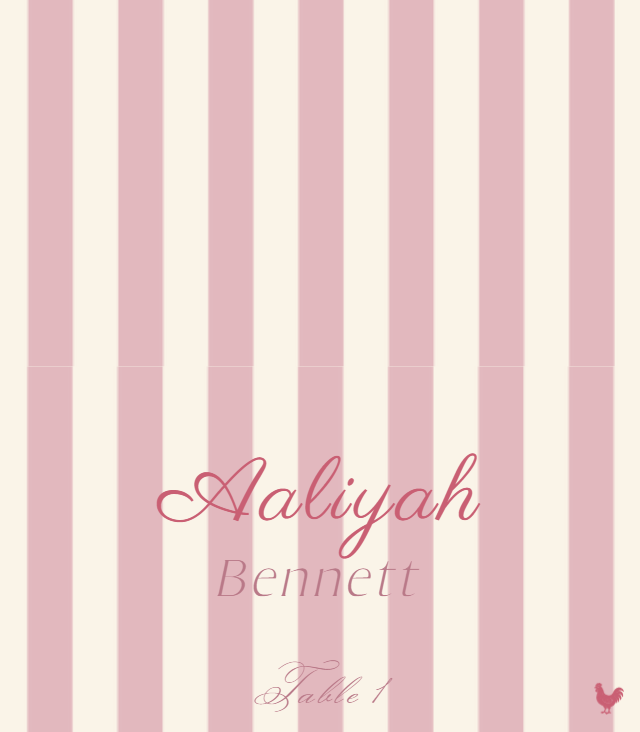
Bring your own eligible artwork

Canva Place Card Printer

Export place card artwork from Canva as a PNG or JPG, then use WedPapers to apply a guest list and arrange personalized cards for printing.

Choose the matching Place Card format first, upload and crop the artwork as a locked background, add guest data, then inspect both Component Preview and Print Preview before downloading. The gallery below shows real WedPapers layout examples; your uploaded artwork remains the raster image you chose.

Use my place card artwork
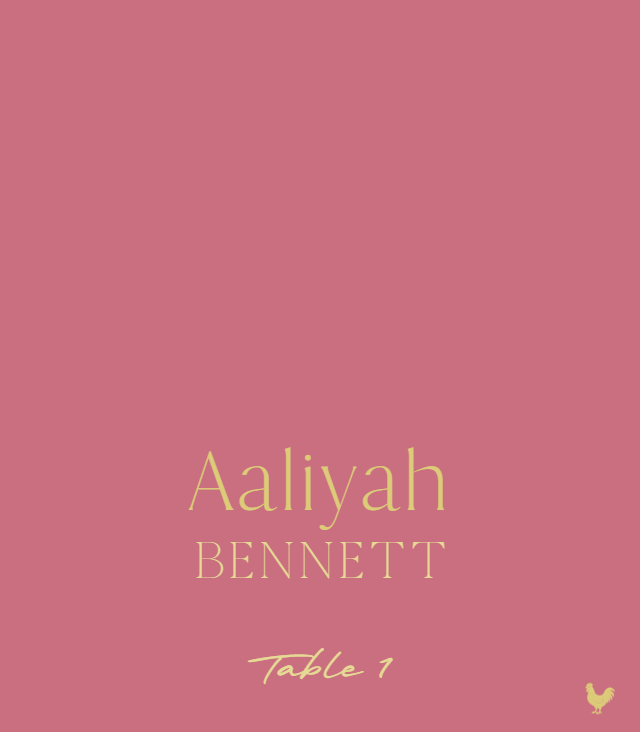
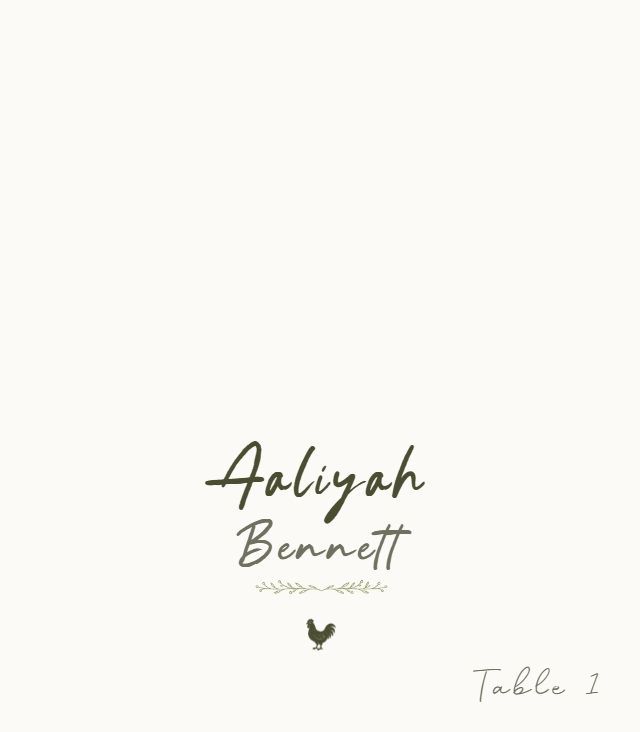
Romantic Script place card layout preview with example wedding details
Romantic Script

Real WedPapers templates

Preview the piece before you prepare the final PDF

Romantic Script place card layout preview with example wedding details
Romantic Script
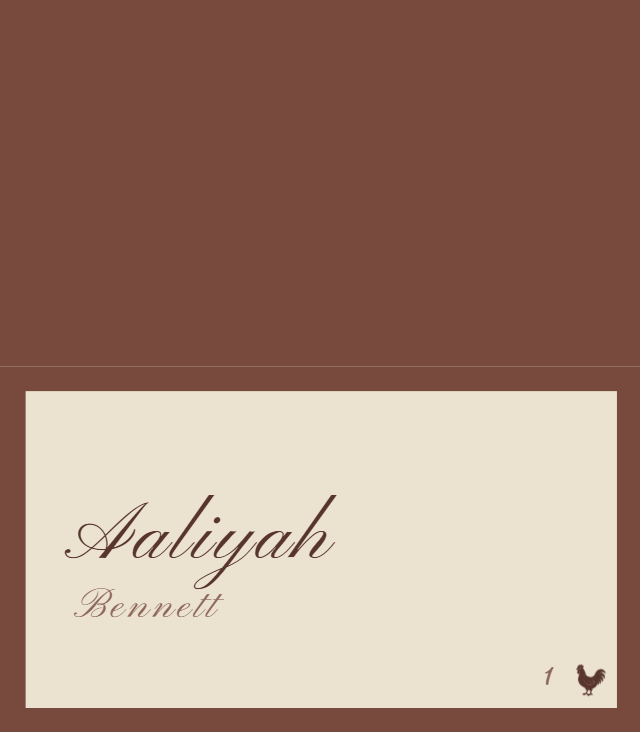
Botanical Script place card layout preview with example wedding details
Botanical Script
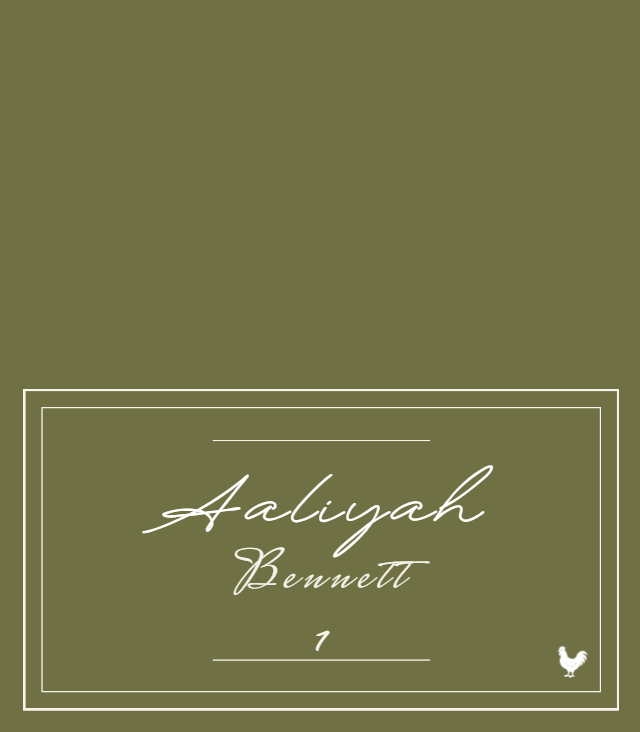
Heritage Double Line place card layout preview with example wedding details
Heritage Double Line
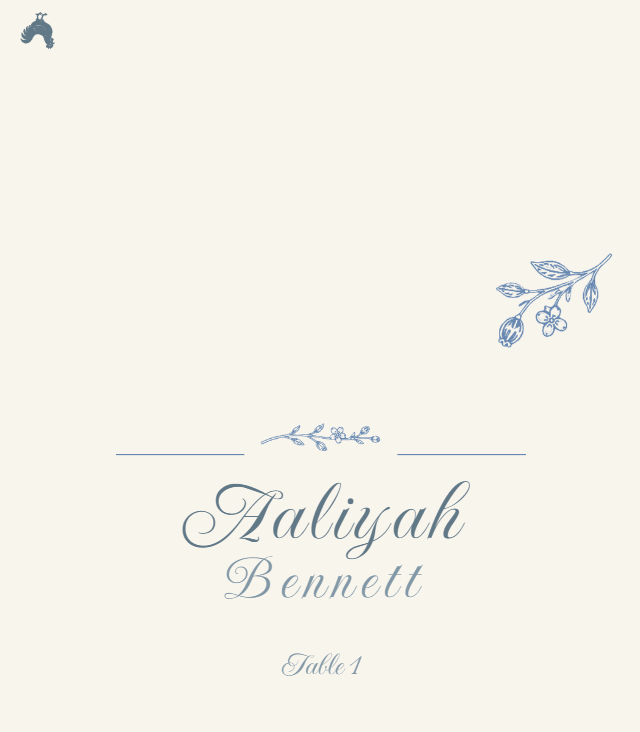
Porcelain Garden place card layout preview with example wedding details
Porcelain Garden
Azure Line Frame place card layout preview with example wedding details
Azure Line Frame
Harbor Stripe place card layout preview with example wedding details
Harbor Stripe

Formats

  • Select a supported flat or folded Place Card format before uploading
  • Upload and crop a PNG or JPG to cover the required bleed area
  • Use the selected home-print, pre-cut, or print-shop setup

What you add

  • PNG or JPG artwork that you own or are licensed to use
  • Guest name and assigned table data from text, CSV, or XLSX
  • Optional meal, dietary, and allergy indicators

What you get

  • Guest-specific Component Preview over the locked artwork
  • Multi-up Print Preview on the selected paper size or preset
  • A watermarked proof PDF before purchase
  • One print-ready Place Cards PDF after the covered piece is unlocked

The Maker workflow

Three controlled steps, from design to print preview

  1. 01

    Select Design

  2. 02

    Add Data

  3. 03

    Preview & Export

Preview in the browser and download a watermarked proof PDF for free. A one-time purchase unlocks print-ready PDF exports for the covered piece in that Wedding Project. See current options on the pricing page.

Know the limits

What this tool does — and does not do

  • WedPapers accepts PNG and JPG backgrounds for this workflow; it does not accept layered design files.
  • WedPapers does not connect to or exchange data with Canva, and Canva does not endorse this tool.
  • Only upload artwork you own or are licensed to use; buying or creating a design does not automatically grant every reuse right.
  • Uploaded artwork is a locked background with controlled crop and field placement, not a freeform editor.