Assigned guest list to large-format chart

Printable Wedding Seating Chart Maker

Bring a guest list that already has an assigned table number for each person, then format it by table or alphabetically as a printable seating chart.

This is the production step after seating decisions are made: WedPapers turns structured assignments into a legible chart and paginates the output when the selected layout needs it.

Format a wedding seating chart
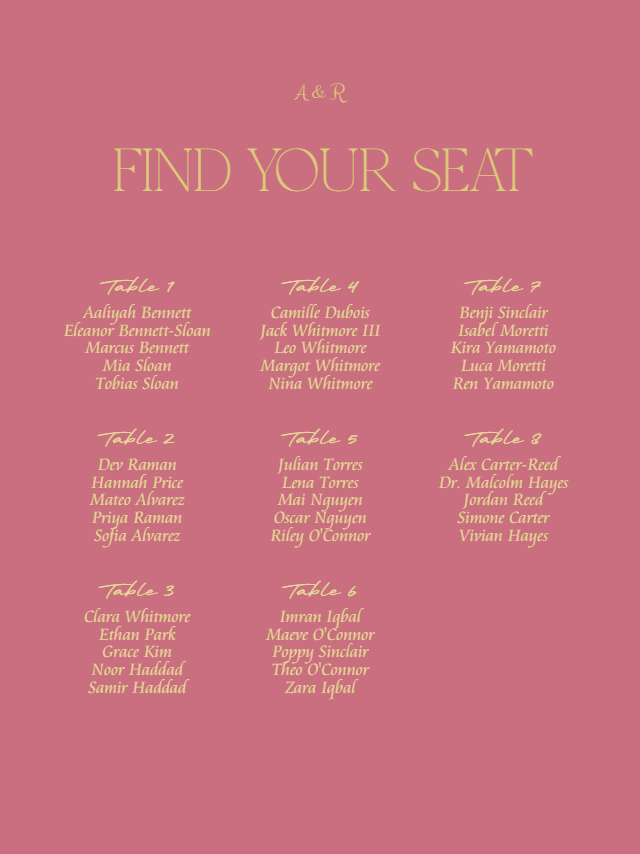
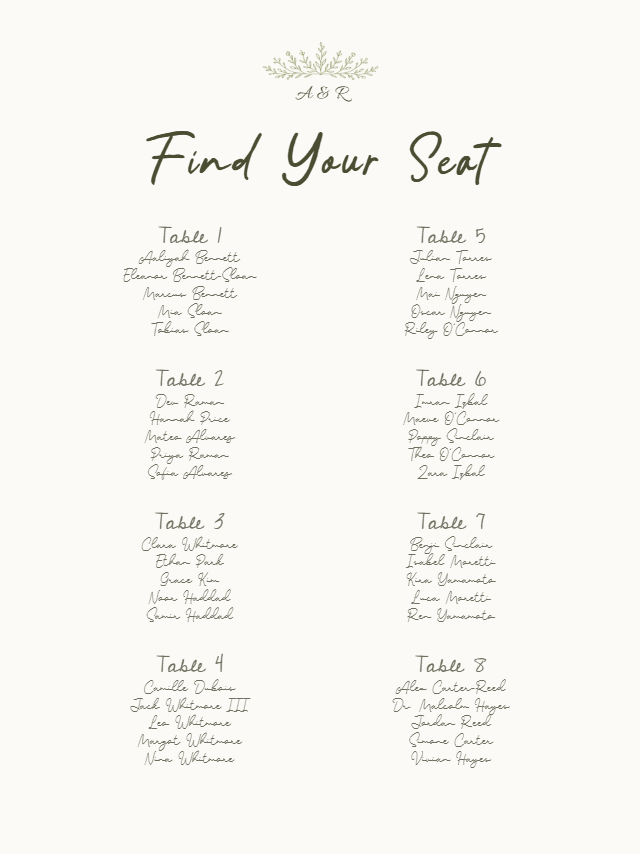
Romantic Script wedding seating chart preview with example wedding details
Romantic Script

Real WedPapers templates

Preview the piece before you prepare the final PDF

Romantic Script wedding seating chart preview with example wedding details
Romantic Script
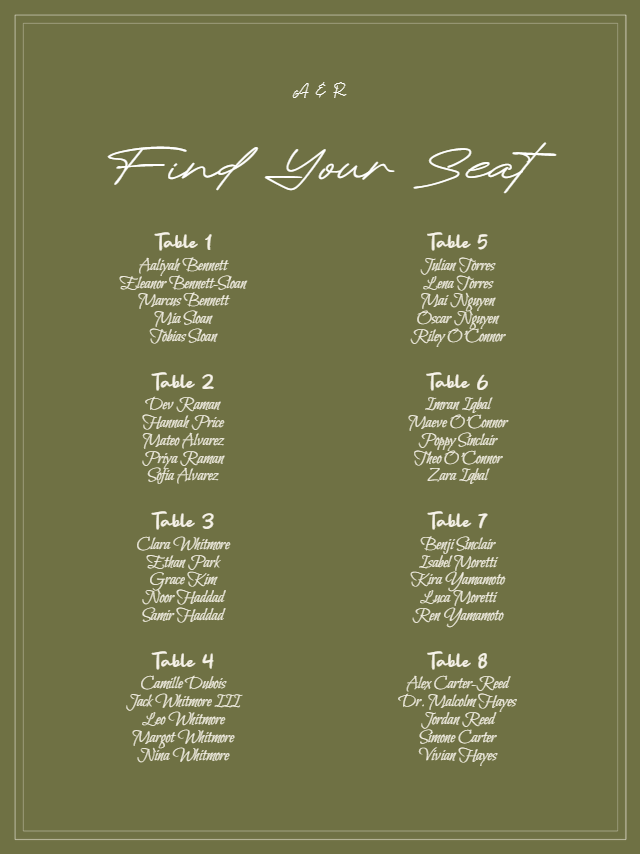
Botanical Script wedding seating chart preview with example wedding details
Botanical Script
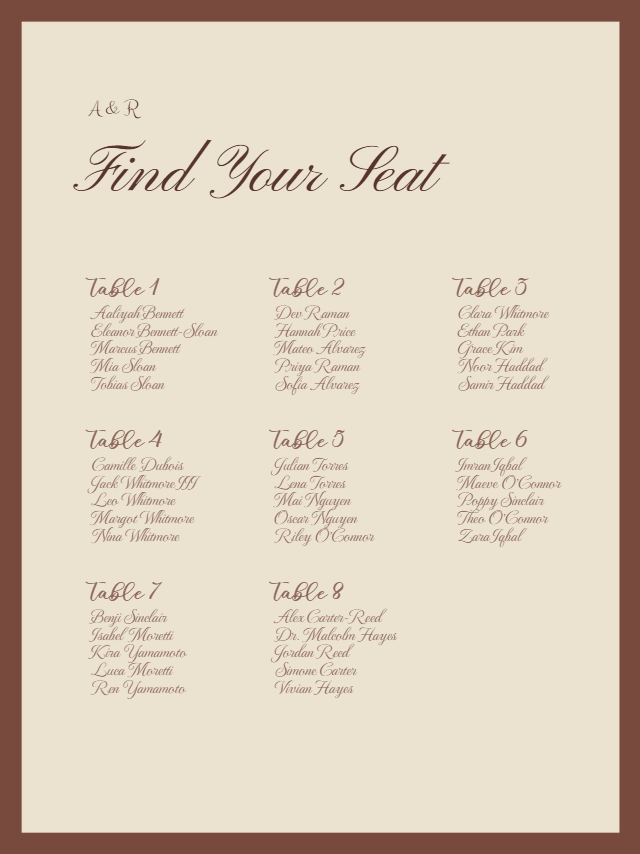
Heritage Double Line wedding seating chart preview with example wedding details
Heritage Double Line
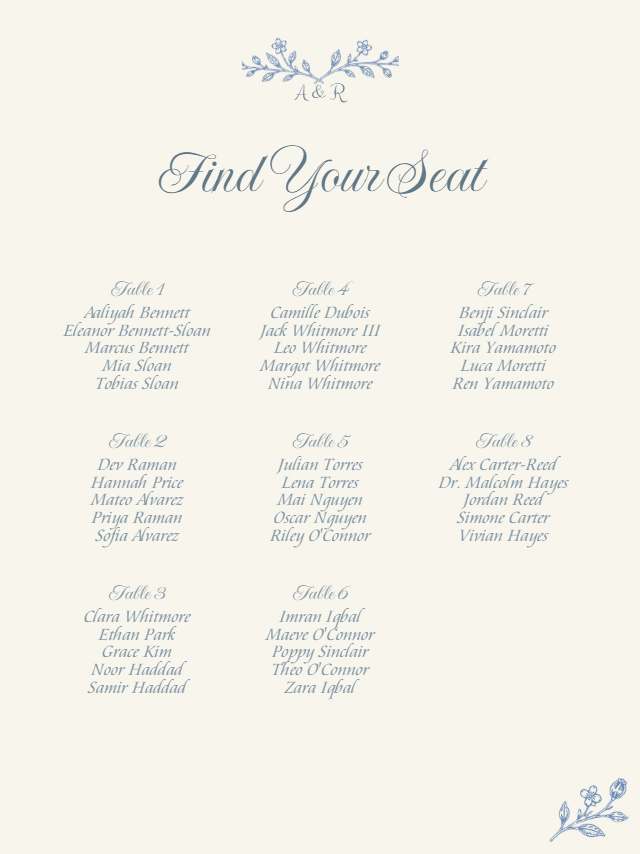
Porcelain Garden wedding seating chart preview with example wedding details
Porcelain Garden
Azure Line Frame wedding seating chart preview with example wedding details
Azure Line Frame
Harbor Stripe wedding seating chart preview with example wedding details
Harbor Stripe

Formats

  • 16 × 20 inch seating chart
  • 18 × 24 inch seating chart
  • Print-at-home preview or individual print-shop page setup

What you add

  • Guest name
  • An already assigned table number for every listed guest
  • Wedding details used by the selected design

What you get

  • Table-number or alphabetical ordering
  • Component and Print Preview for readability checks
  • One Seating Chart PDF for the current stationery piece

The Maker workflow

Three controlled steps, from design to print preview

  1. 01

    Select Design

  2. 02

    Add Data

  3. 03

    Preview & Export

Preview in the browser and download a watermarked proof PDF for free. A one-time purchase unlocks print-ready PDF exports for the covered piece in that Wedding Project. See current options on the pricing page.

Know the limits

What this tool does — and does not do

  • The seating chart maker does not assign tables or plan seating; make those decisions before import.
  • It does not provide a drag-and-drop floor plan or seat map.
  • WedPapers supplies a digital PDF and does not print or ship the physical sign.